 العربية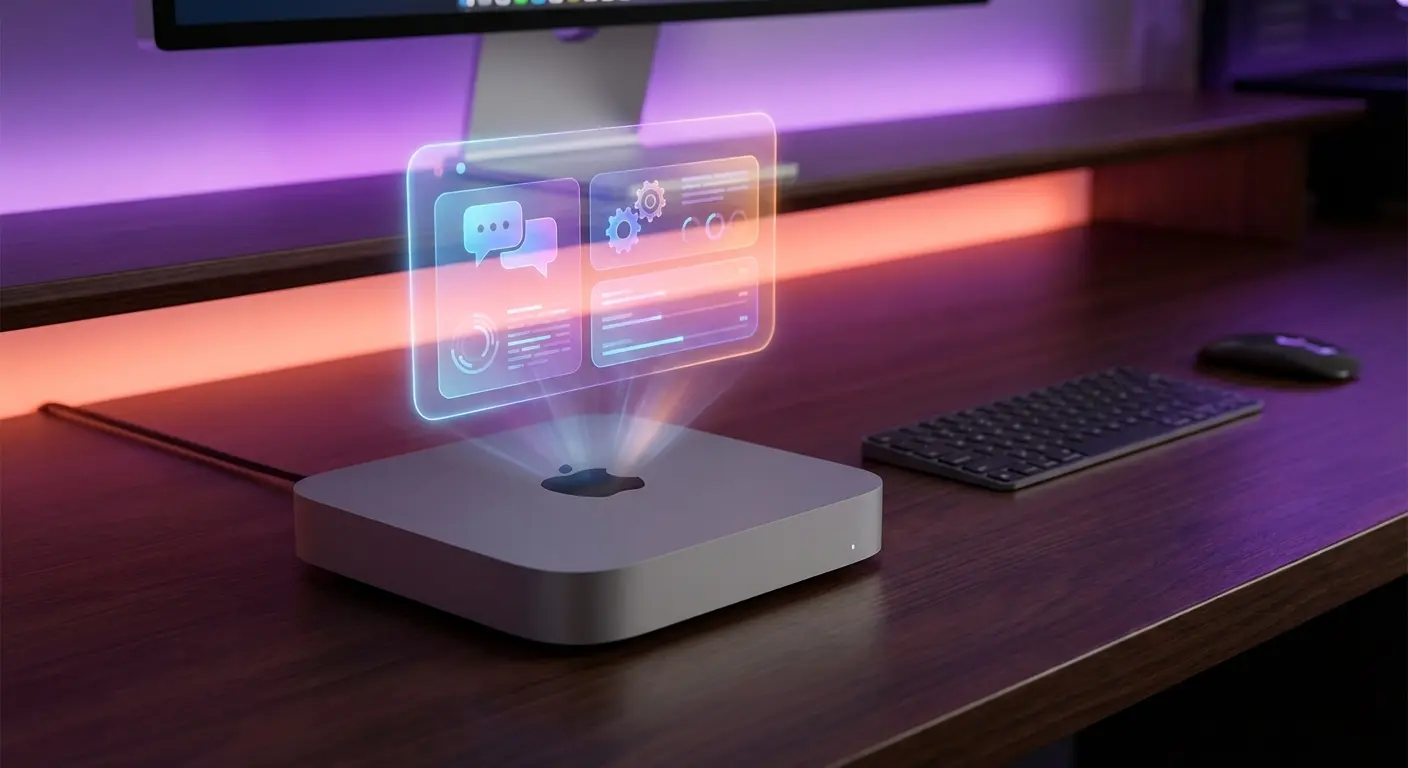
If you've been following the AI assistant space, you've noticed a trend: people are buying Mac Minis specifically to run AI agents. Not gaming PCs. Not cloud servers. Mac Minis.
There's a reason for this. After testing dozens of setups, the Mac Mini has emerged as the sweet spot for running a 24/7 personal AI assistant. Here's why — and which one you should buy.
Why Run AI Locally Instead of Cloud?
Before we talk hardware, let's address the obvious question: why not just use ChatGPT or Claude in a browser?
- Privacy — Your emails, calendar, and files stay on your machine
- Always on — Works at 3am without you being awake
- No subscription treadmill — One-time hardware cost vs $20+/month forever
- Real integration — Can actually control your computer, not just chat
- Faster response — No round-trip to cloud servers for local tasks
A cloud chatbot answers questions. A local AI agent does things — reads your inbox, sends replies, manages your calendar, monitors websites, all while you sleep.
Why Mac Mini Specifically?
You could run an AI assistant on any computer. Here's why Mac Mini wins:
1. Apple Silicon is Insanely Efficient
The M4 chip runs cool and quiet while handling AI workloads that would make an Intel machine sound like a jet engine. A Mac Mini draws 5-10 watts at idle — less than a lightbulb. Leave it running 24/7 for pennies.
2. Unified Memory Architecture
This is the secret sauce. Apple's unified memory means CPU and GPU share the same RAM pool. For AI inference, memory bandwidth matters more than raw cores. The M4's memory bandwidth crushes similarly-priced PCs.
3. Small, Silent, Always-On
The Mac Mini is the size of a small book. No fans spinning up at night. Tuck it behind your monitor or in a closet and forget it exists — until you need it.
4. macOS Just Works
Sleep/wake reliability, automatic updates that don't break things, native support for most AI tools. Linux is powerful but requires babysitting. Windows has too many gotchas. macOS is boring in the best way.
Mac Mini vs The Alternatives
Old Laptop
Pros: Free if you have one
Cons: Battery degradation, fan noise, unreliable for 24/7, usually weak specs
Verdict: Fine for testing. Not for production.
VPS/Cloud Server
Pros: No hardware to manage
Cons: Monthly fees add up ($20-50/mo = $240-600/year), privacy concerns, can't run local models, latency
Verdict: Good for tech-savvy users who want remote access. Not ideal for most.
Intel NUC / Mini PC
Pros: Cheaper upfront
Cons: Worse power efficiency, no unified memory, weaker AI performance per dollar
Verdict: Budget option if you absolutely can't afford Mac Mini.
Gaming PC / Workstation
Pros: Raw power, can run large local models
Cons: Expensive, loud, power-hungry, overkill for API-based assistants
Verdict: Only if you need to run 70B+ models locally.
📬 Get practical AI insights weekly
One email/week. Real tools, real setups, zero fluff.
No spam. Unsubscribe anytime. + free AI playbook.
Which Mac Mini Should You Buy?
Apple currently sells the M4 Mac Mini in several configs. Here's the real-world breakdown:
Mac Mini M4 — 16GB RAM ($599)
- ✅ Runs OpenClaw + Claude API perfectly
- ✅ Handles email, calendar, research, automation
- ⚠️ Tight for running local models (8B max)
- Best for: API-based assistants, most users
Mac Mini M4 Pro — 24GB RAM ($1,399)
- ✅ Everything above + comfortable local model headroom
- ✅ Can run 14B-32B models locally
- ✅ Future-proof for heavier workloads
- Best for: Power users, hybrid local+API setup
Mac Mini M4 Pro — 48GB RAM ($1,999)
- ✅ Run 32B models comfortably at good speeds
- ✅ Multiple AI tools simultaneously
- Best for: Developers, heavy local inference
Mac Mini M4 Pro — 64GB RAM ($2,399)
- ✅ Run 70B models (slowly) or 32B models fast
- ✅ Serious local AI workstation territory
- Best for: Maximum local capability without Mac Studio prices
My Recommendation
For most people setting up an AI assistant: Mac Mini M4 16GB ($599).
Here's the thing — if you're using Claude or GPT via API (which most assistants do), you don't need massive local RAM. The heavy AI processing happens on Anthropic's or OpenAI's servers. Your Mac Mini just needs to run the orchestration layer.
The 16GB model handles:
- OpenClaw running 24/7
- Telegram/WhatsApp integrations
- Email processing
- Calendar management
- Web scraping and research
- File operations
- Browser automation
Only upgrade to 24GB+ if you specifically want to run local models(Llama, Mistral, etc.) without API costs.
The Real Cost Breakdown
Let's compare the 3-year cost of ownership:
Mac Mini + API
- Mac Mini M4 16GB: $599 (one-time)
- Claude API: ~$10-30/month depending on usage
- Electricity: ~$10/year
- 3-year total: $959 - $1,679
Cloud VPS + API
- VPS: $20-40/month
- Claude API: ~$10-30/month
- 3-year total: $1,080 - $2,520
ChatGPT Plus Subscription
- $20/month, no real agent capabilities
- 3-year total: $720 (but can't do what an agent does)
The Mac Mini pays for itself within 1-2 years compared to cloud, and you own the hardware forever. Plus you get real agent capabilities that subscriptions don't offer.
What You'll Need Besides the Mac Mini
- Anthropic API key — console.anthropic.com (or OpenAI/Google)
- Telegram account — for mobile access to your assistant
- Stable internet — the Mini needs to stay connected
- 30-60 minutes — for initial setup
You don't need a monitor/keyboard after setup — SSH in or just message your assistant via Telegram.
The Setup Reality Check
Here's the honest truth: setting up an AI assistant isn't plug-and-play. You'll need to:
- Install OpenClaw and configure the gateway
- Set up API keys and authentication
- Create a Telegram bot and connect it
- Configure email/calendar integrations
- Set up security properly (this is your data)
- Customize the assistant's personality and workflows
For technical folks, it's a fun weekend project. For everyone else, it's a frustrating rabbit hole of config files and OAuth tokens.
That's the gap we fill. We handle the entire setup — hardware selection, installation, integration, security, customization — and hand you a working AI assistant. You buy the Mac Mini, we make it useful.
Bottom Line
The Mac Mini M4 is the best hardware for running a personal AI assistant in 2026. It's efficient, silent, reliable, and surprisingly affordable for what it delivers.
Start with the base 16GB model if you're using API-based AI. Upgrade to 24GB+ only if you want serious local model capabilities.
The hard part isn't the hardware — it's the setup. Get that right, and you'll wonder how you ever worked without a 24/7 AI assistant.
This is just the basics.
We handle the full setup — AI assistant on your hardware, connected to your email, calendar, and tools. No cloud, no subscriptions. Just message us.
Get Your AI Assistant Set UpRelated Articles
Why Mac Minis Are Sold Out Everywhere (It's Because of AI Agents)
Mac Minis are out of stock at Apple, Amazon, Walmart, and Best Buy. The reason? OpenClaw turned them into 24/7 AI assistants. Here's what's happening.
The AI Agent Stack in 2026: What You Actually Need to Build One
The modern AI agent stack: LLM + Tools + Memory + Orchestration. Here's what each layer does, what it costs, and how to start without overengineering.
How Much Does Running an AI Agent Actually Cost? (Real Numbers)
Real cost breakdown for running an AI agent in 2026. Hardware, API costs, local models vs cloud — from budget setups at $42/month to premium configurations.